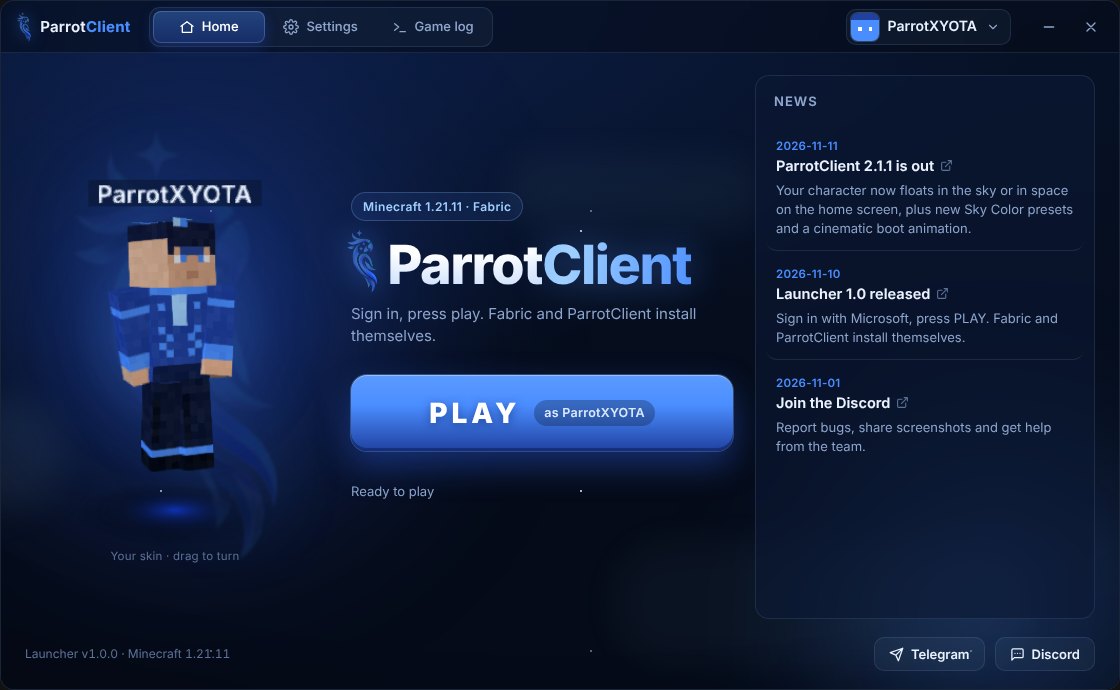
Minecraft 1.21.11 · Fabric

ParrotClient
Sign in with Microsoft, press PLAY. Fabric, Fabric API and ParrotClient install themselves and stay up to date.
If Windows shows "Windows protected your PC", click More info → Run anyway.
The launcher is new and not code-signed yet, so SmartScreen doesn't know it.
How it works
1
Install
Run the installer. No admin rights needed, it installs just for you.
2
Sign in
Use the Microsoft account that owns Minecraft: Java Edition. Your password is typed on Microsoft's own page.
3
Press PLAY
Java 21, Minecraft 1.21.11, Fabric and ParrotClient download and are checked automatically.
4
Stay updated
New ParrotClient versions install silently. Launcher updates come with one click.
News
Loading news…
This version
—